Check Usage and Request an Extension
Job Accounting provides job statistics; use the dashboard for your project’s reported balance.
Open your project's Resources, select the HPC allocation, and check its status, limits, reported usage, and end date. Check the reporting period before comparing usage with your job history. Usage updates may lag behind Slurm.
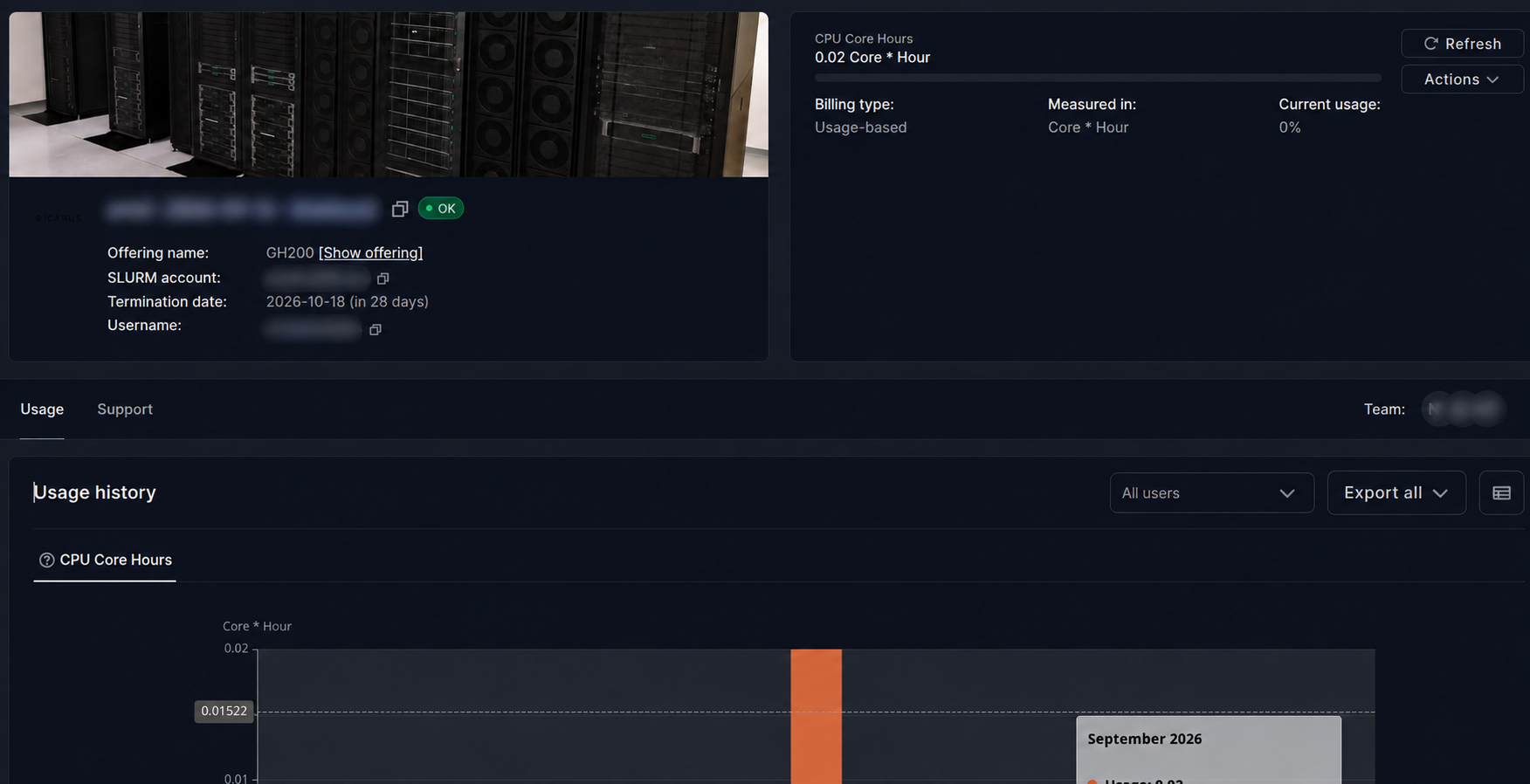
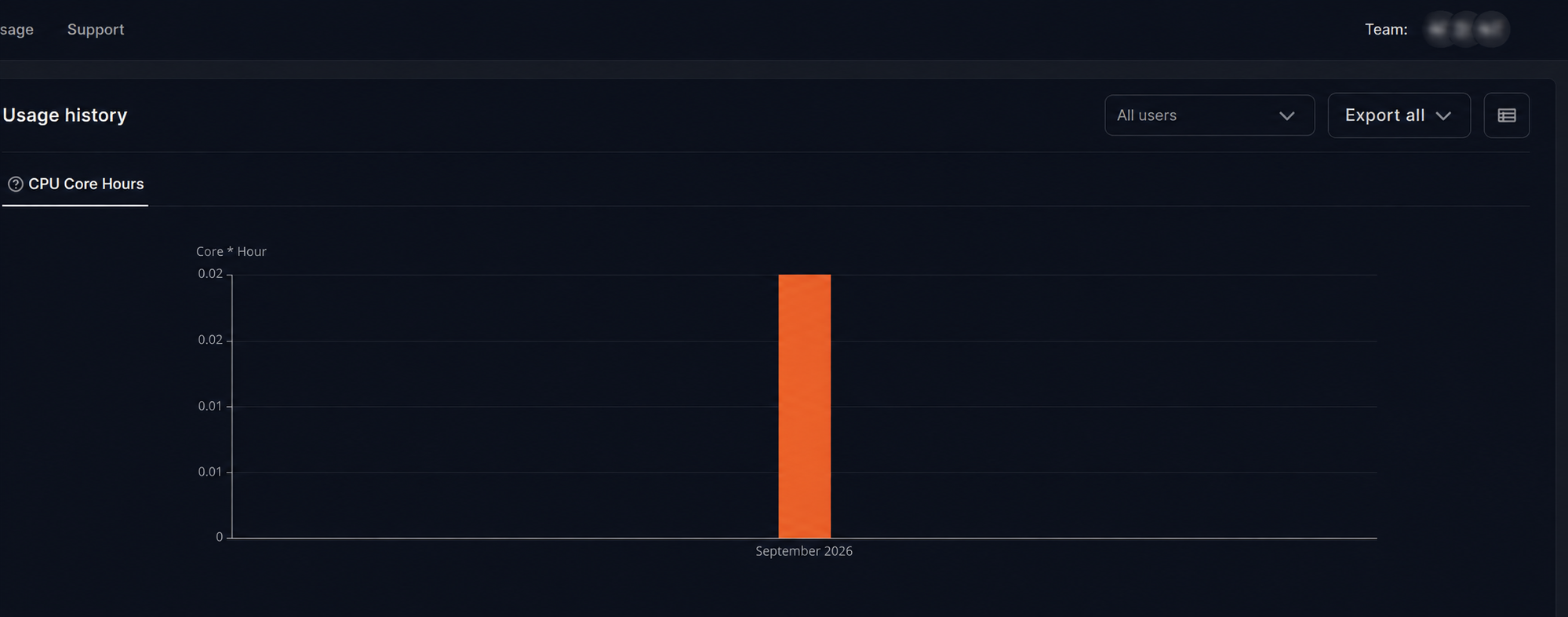
Open Usage to view Usage history. Select a user with All users to inspect their reported usage, or use Export all to download the report.
For additional time, use the allocation's change/limit request action if available. Otherwise, open a support ticket with the project, allocation identifier, current balance, additional amount requested, and research justification. Coordinate with the PI before submitting. Resources and permissions remain associated with the selected project.