Login
SSH access is provisioned for your approved allocation period. Find your HPC Username in View Your Projects.
How to Log In
From your computer's terminal or Windows PowerShell, run:
ssh username@login.hpc.ntua.gr
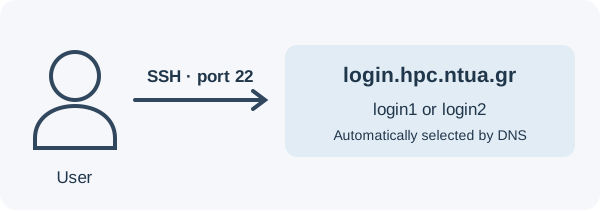
Replace username with your HPC username. The hostname selects login1 or login2, using port 22 and your registered key. Verify the server fingerprint with the administrators before accepting your first connection.
Your home directory is created on your first successful SSH login. Display its path with:
echo "$HOME"
Use login nodes to transfer files, compile code, and submit jobs. Run computations through Slurm. To disconnect, run exit.
For a graphical Windows client, use PuTTY with the same host, port, and username.